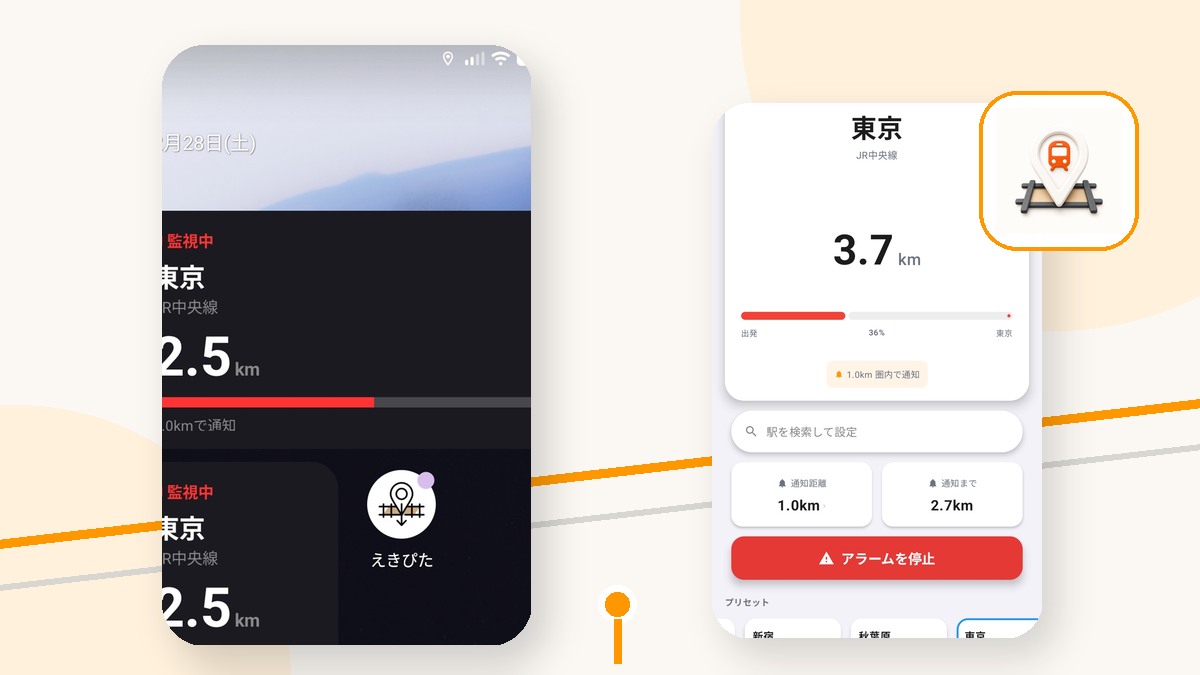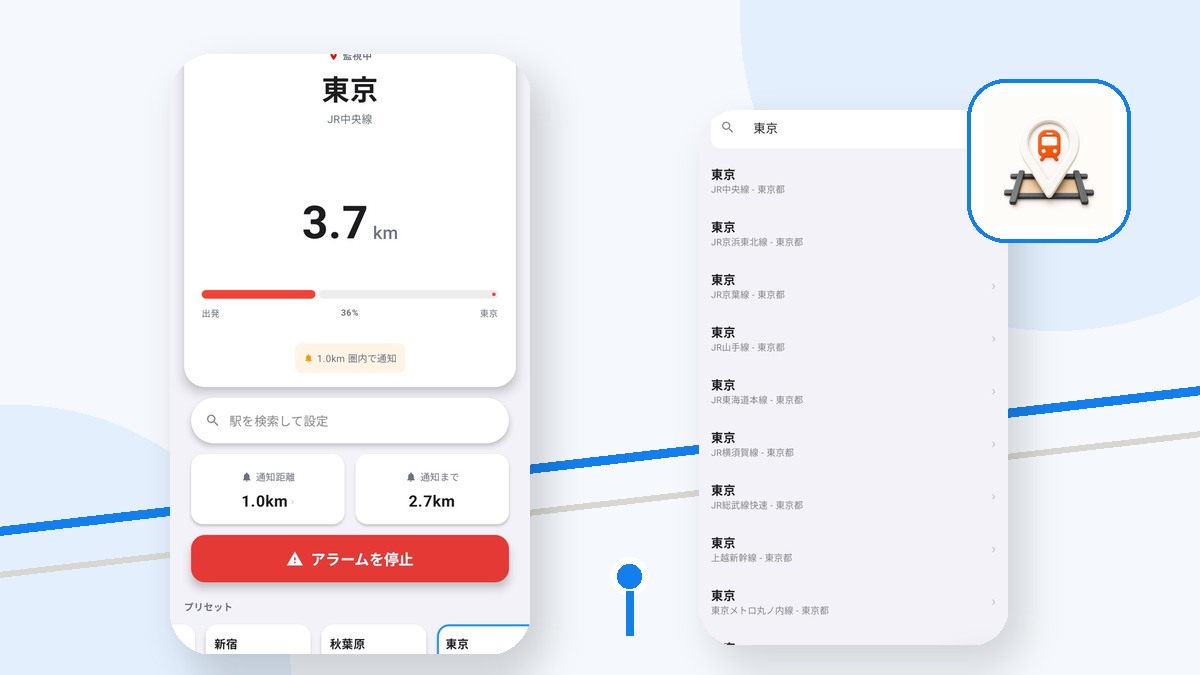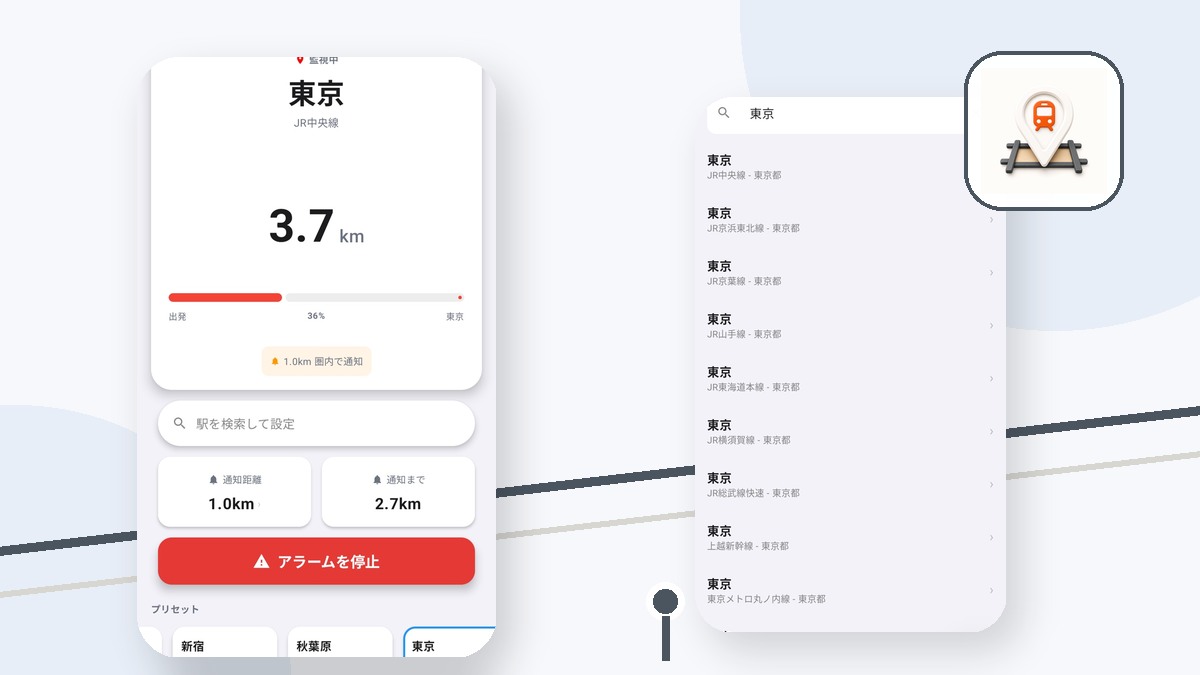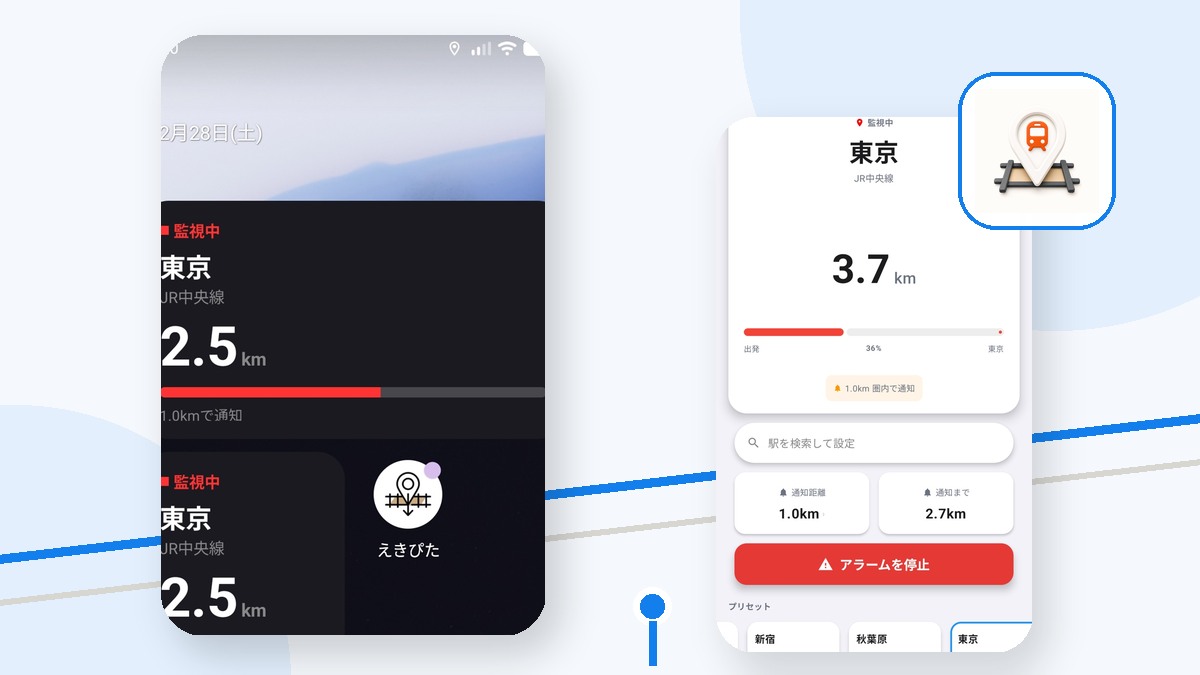
Android manufacturers can apply different power restrictions to background location work. Check the device before an important ride.
Allow location and notifications
Ekipita needs location access to compare the device with the destination. Notifications must also be enabled so you can notice the result.
Review battery optimization
Strong power-saving modes can restrict background work. The setting name and exemption screen vary by manufacturer, so review both Ekipita settings and the Android app-info page.
Do not force-stop active monitoring
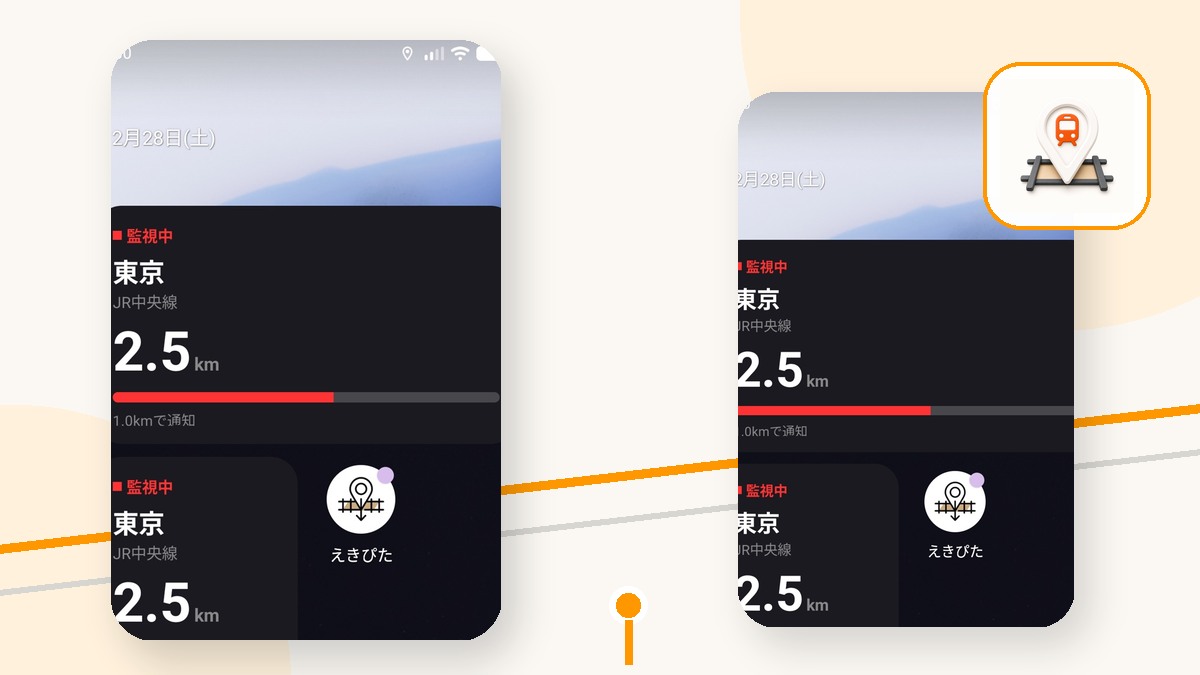
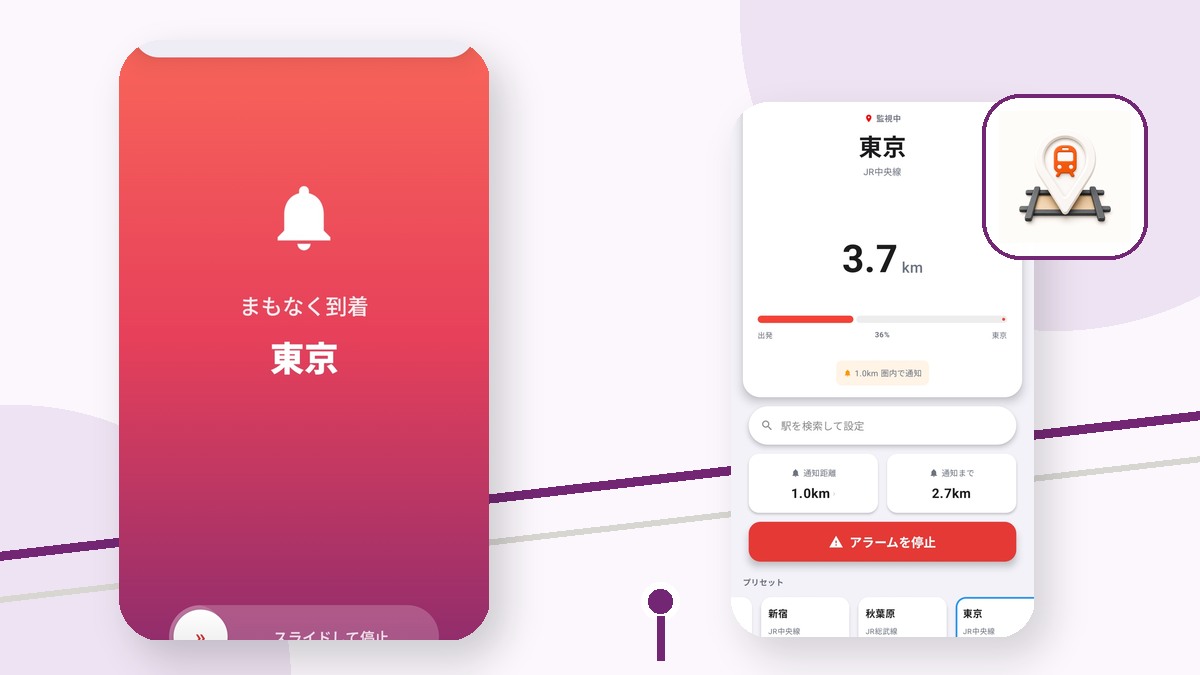
Removing or force-stopping the app can be treated as an explicit stop. Check the remaining-distance screen during a test route, and use the in-app stop control when monitoring is no longer needed.
Try えきぴた
A GPS station alarm that alerts you through earphones or vibration as your stop approaches.
Check Android settings before departure
Verify location, notifications, and power restrictions on a short familiar route.
Changing settings cannot guarantee notification delivery. Tunnels, underground routes, OS state, and device conditions can still affect positioning.