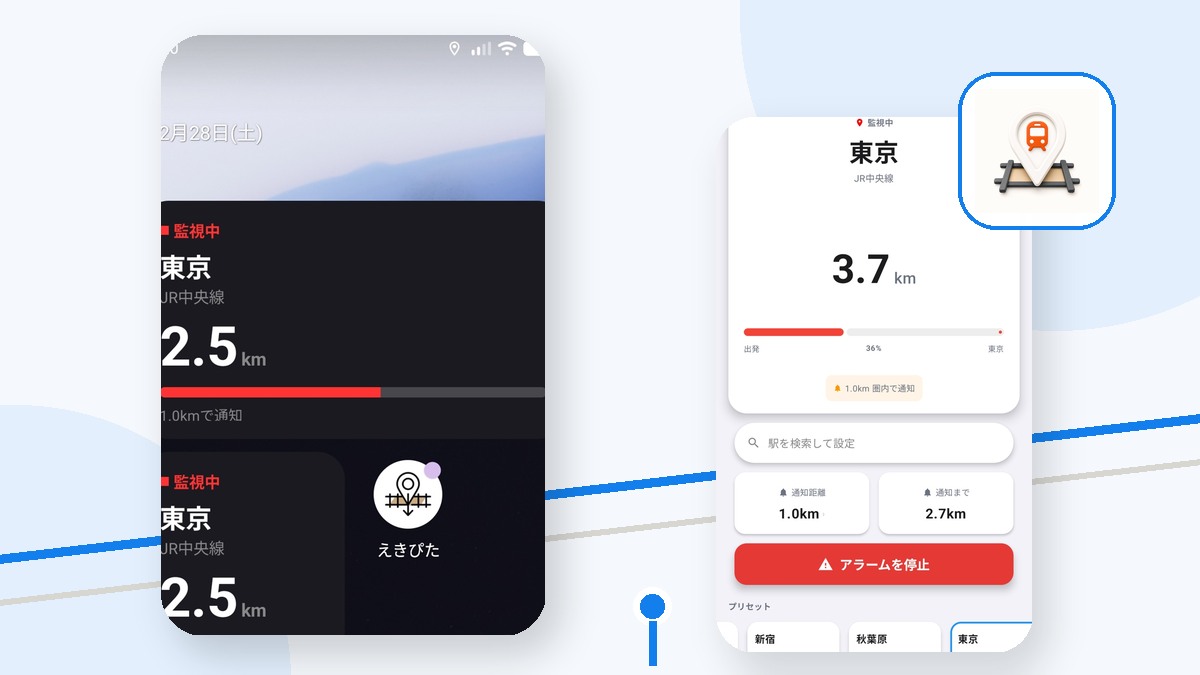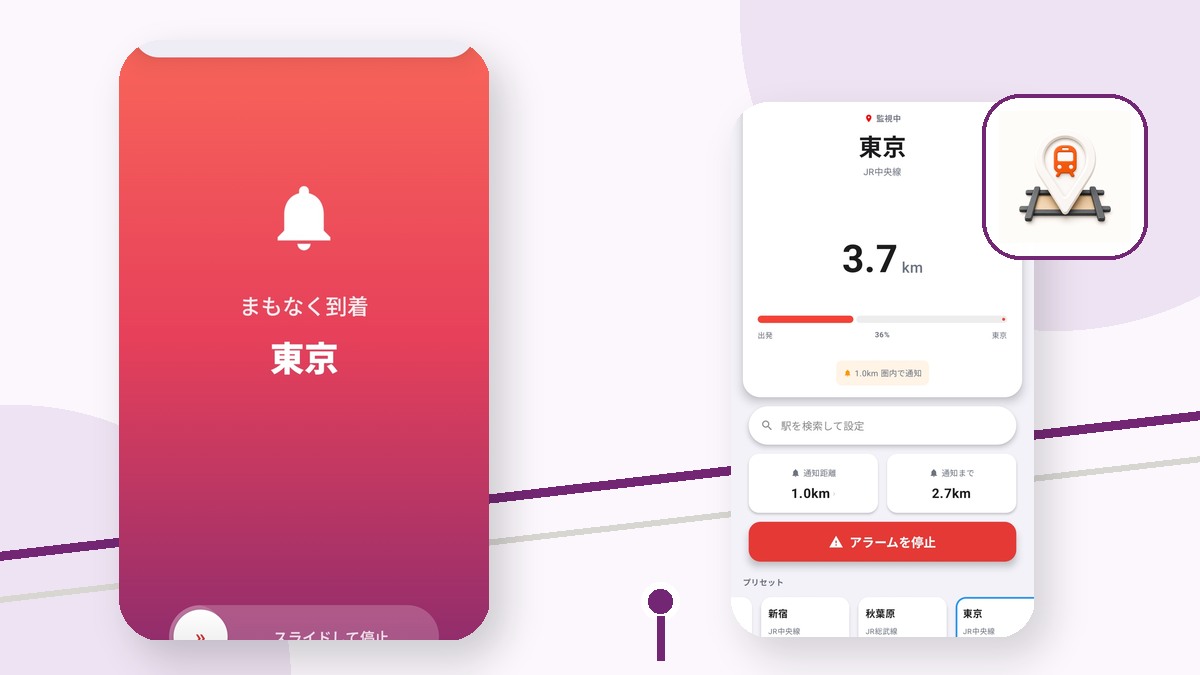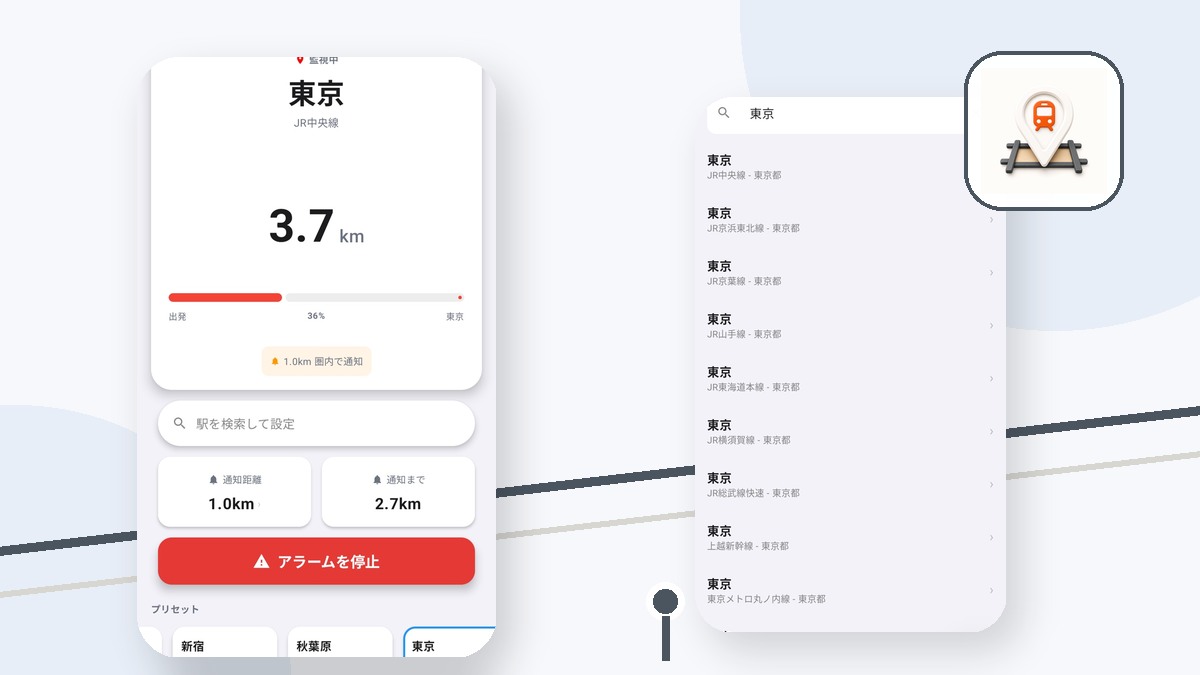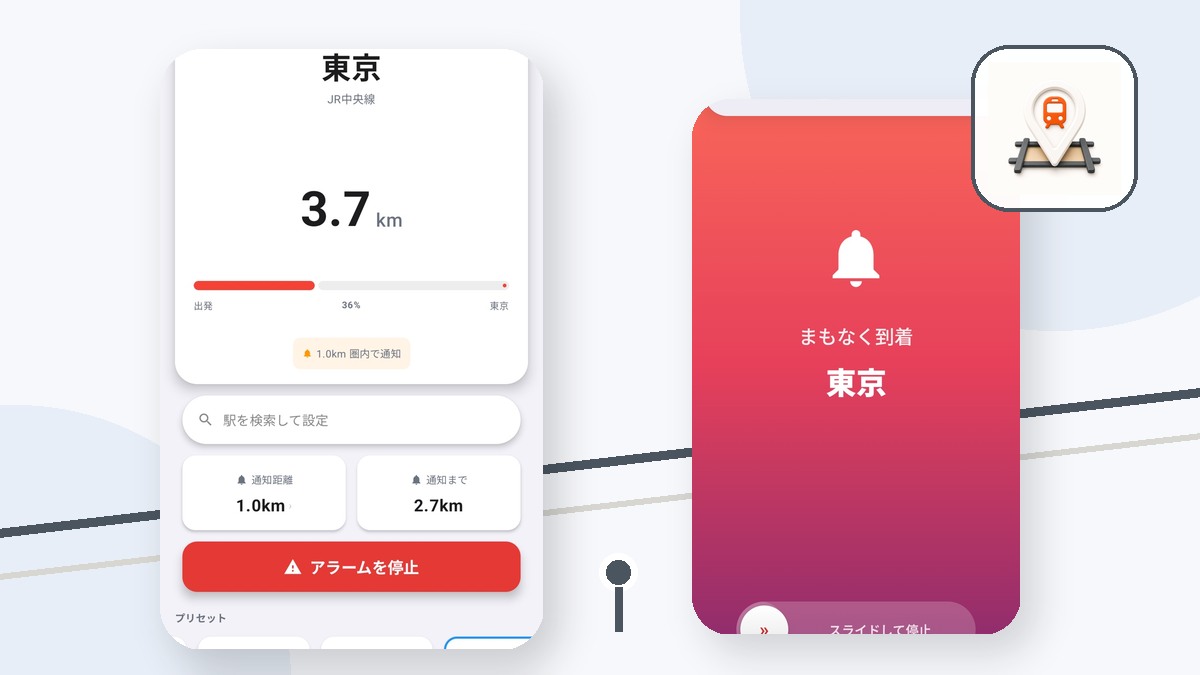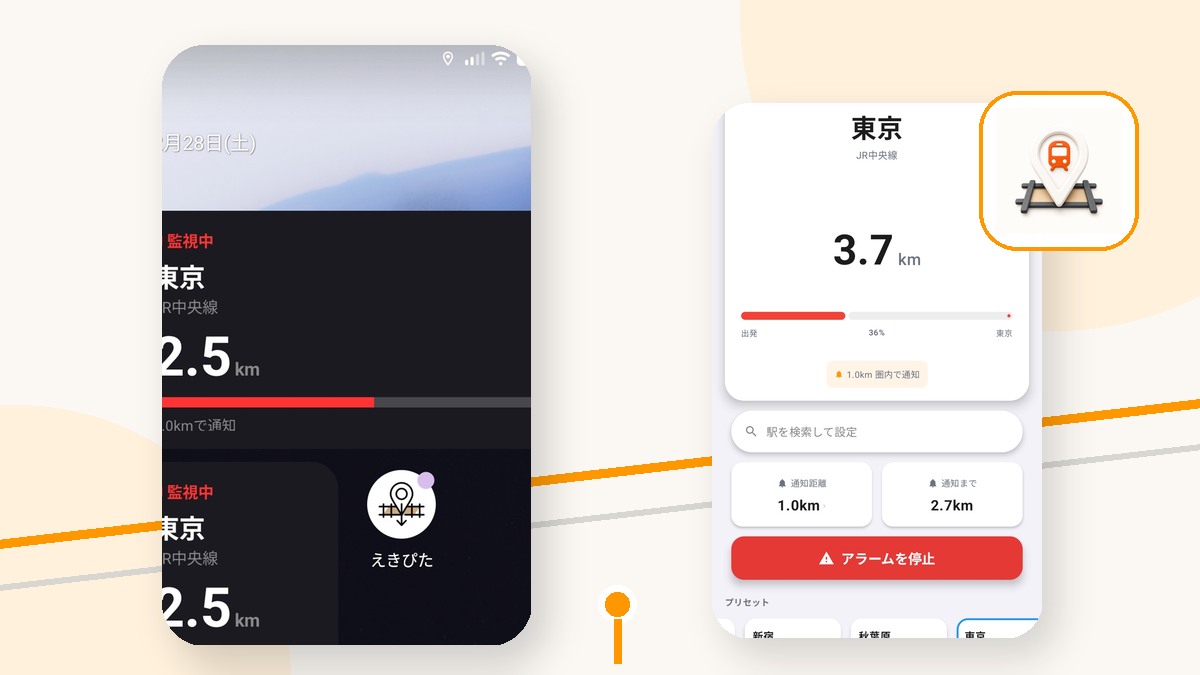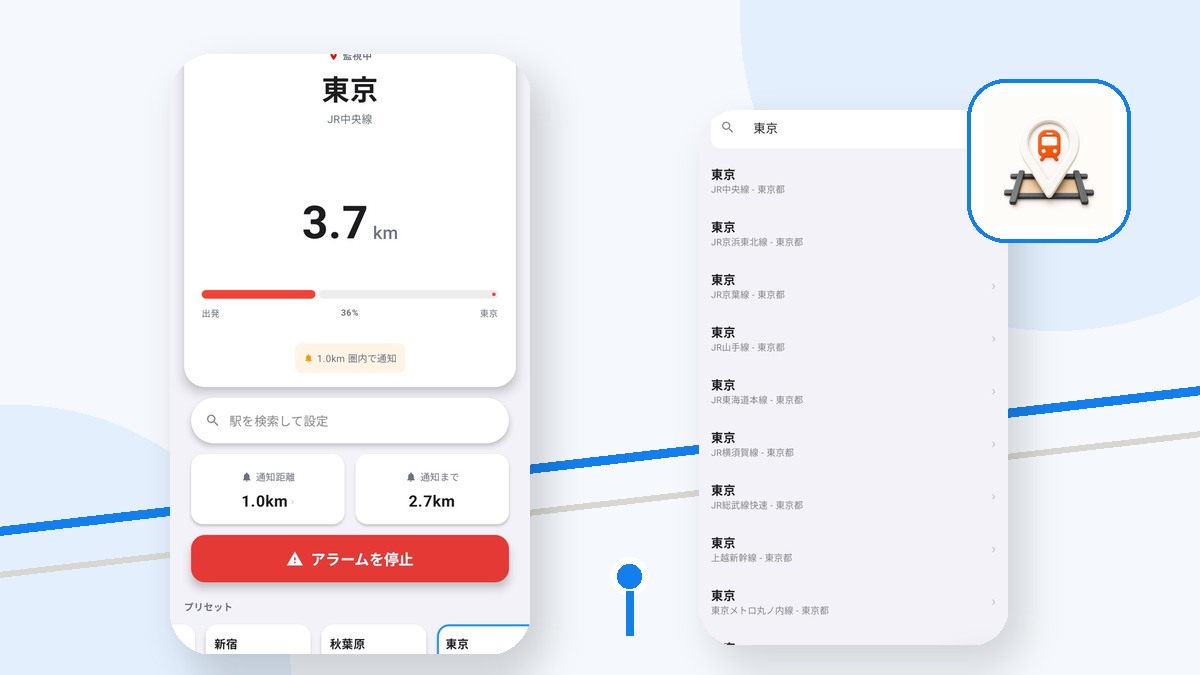
Two stations can share a name while being in different regions. Selecting the wrong coordinates means the arrival range will be centered on the wrong place.
Check more than the station name
Compare the line and prefecture shown for each candidate with your actual route. If the route uses several operators, confirm the destination with an official transit source as well.
Review the map before monitoring
After selecting a station, check its map position and set the alert radius. On an unfamiliar trip, do not assume the first matching name is correct.
Stop and select again if the distance looks wrong
An unexpected remaining distance is a reason to stop monitoring and recheck the station. Ekipita does not plan transfers or validate your train route.
Try えきぴた
A GPS station alarm that alerts you through earphones or vibration as your stop approaches.
Select the intended station before your ride
Use the displayed line and region details, then choose an alert radius from 0.3 to 5.0km.
Station data and positioning can contain errors. Use official transit information and test before relying on an alert for an important journey.